Rendered from real data, not noise
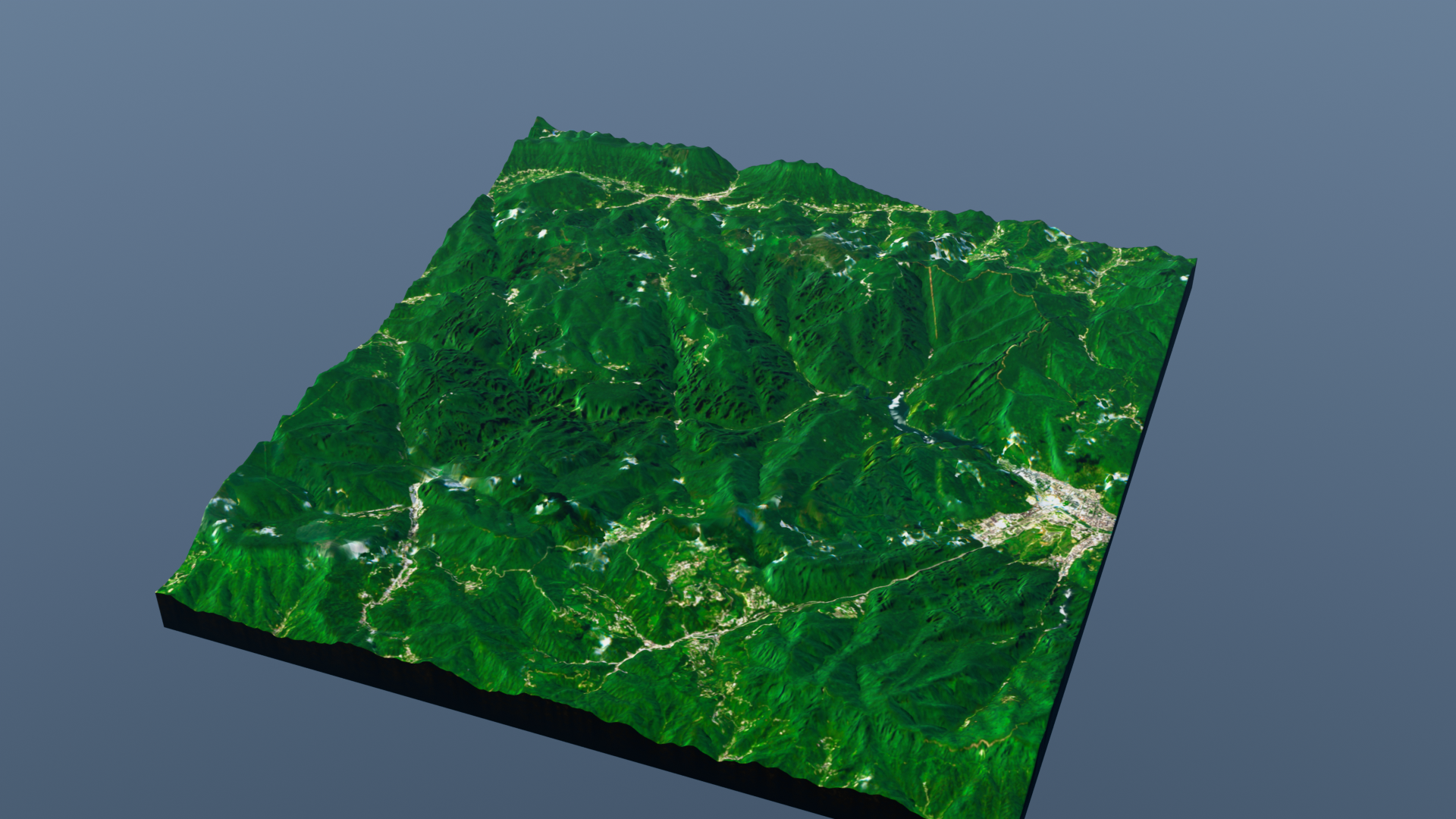
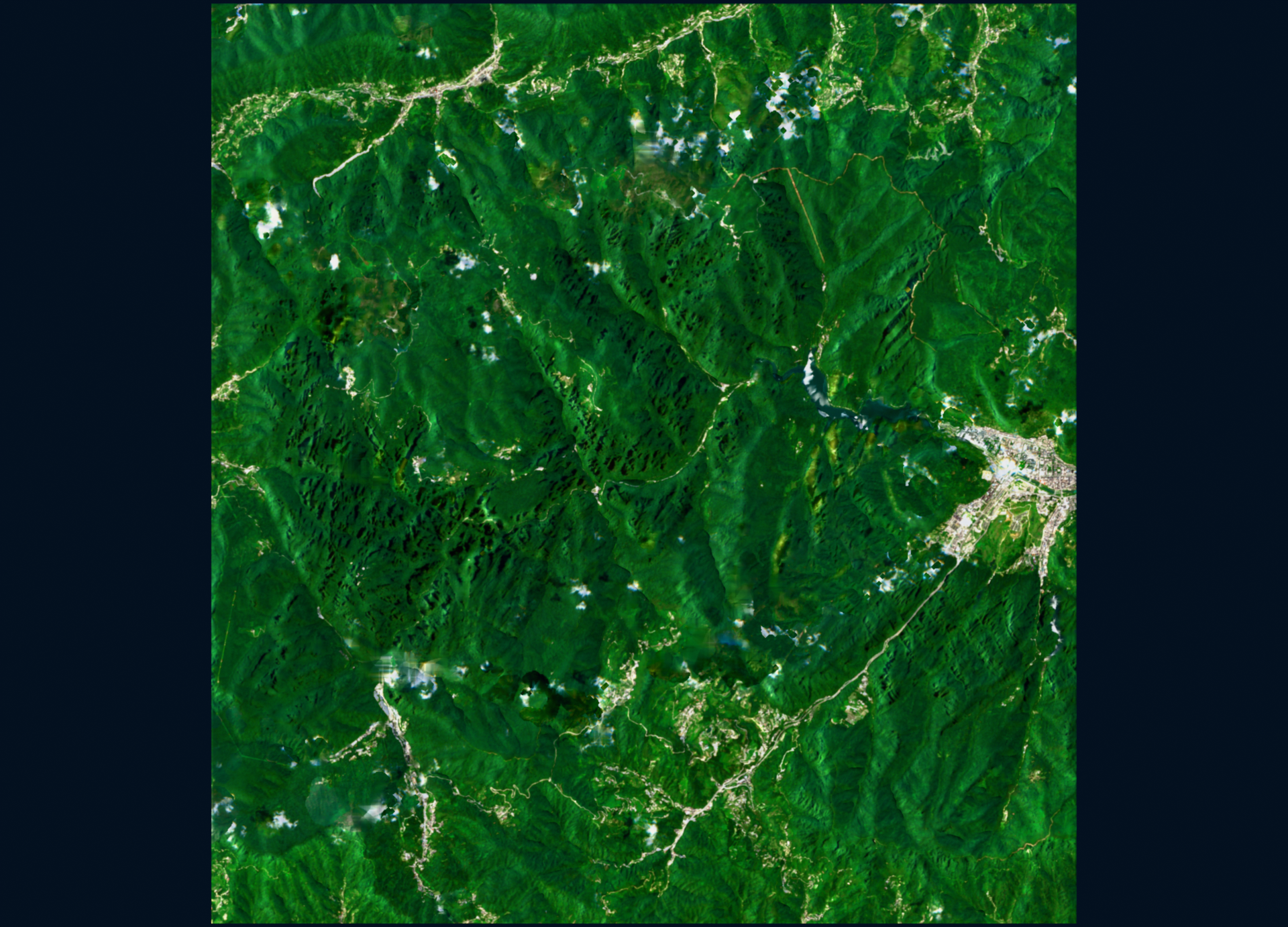
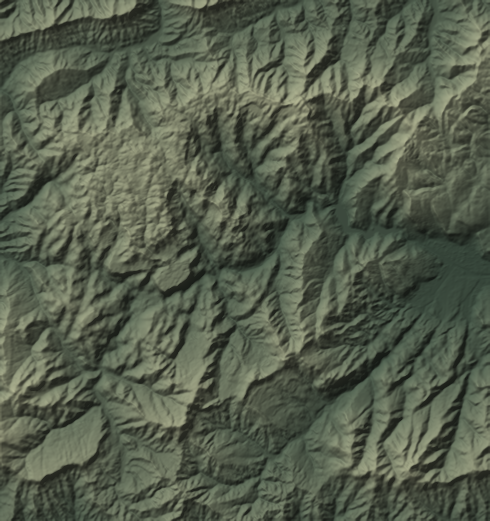
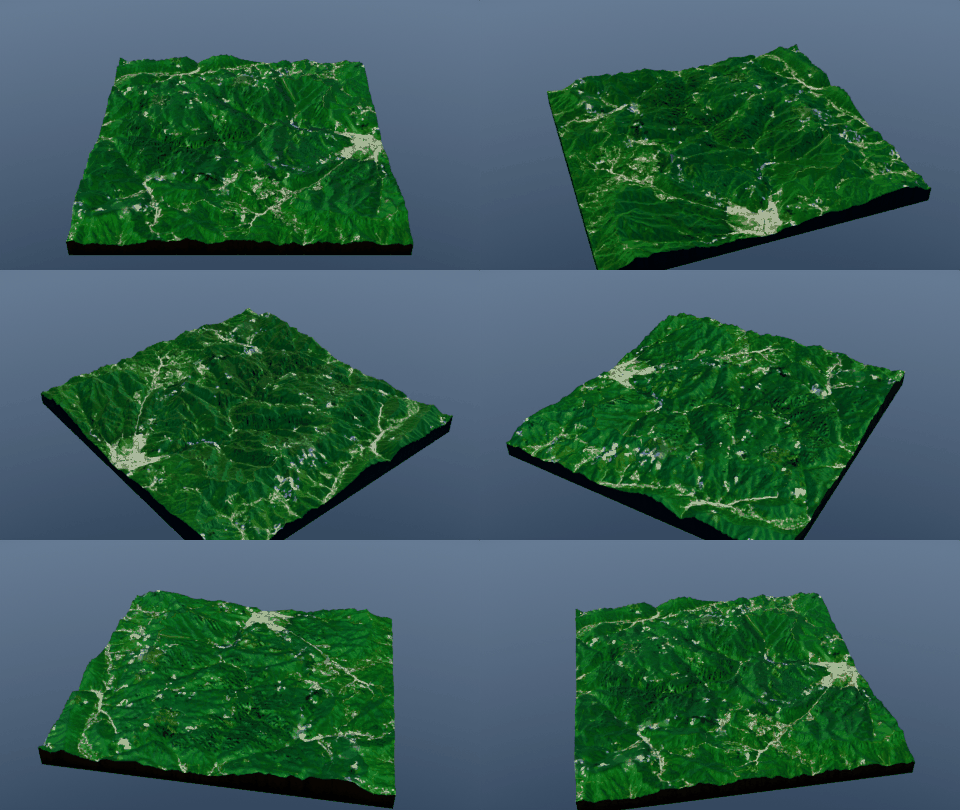
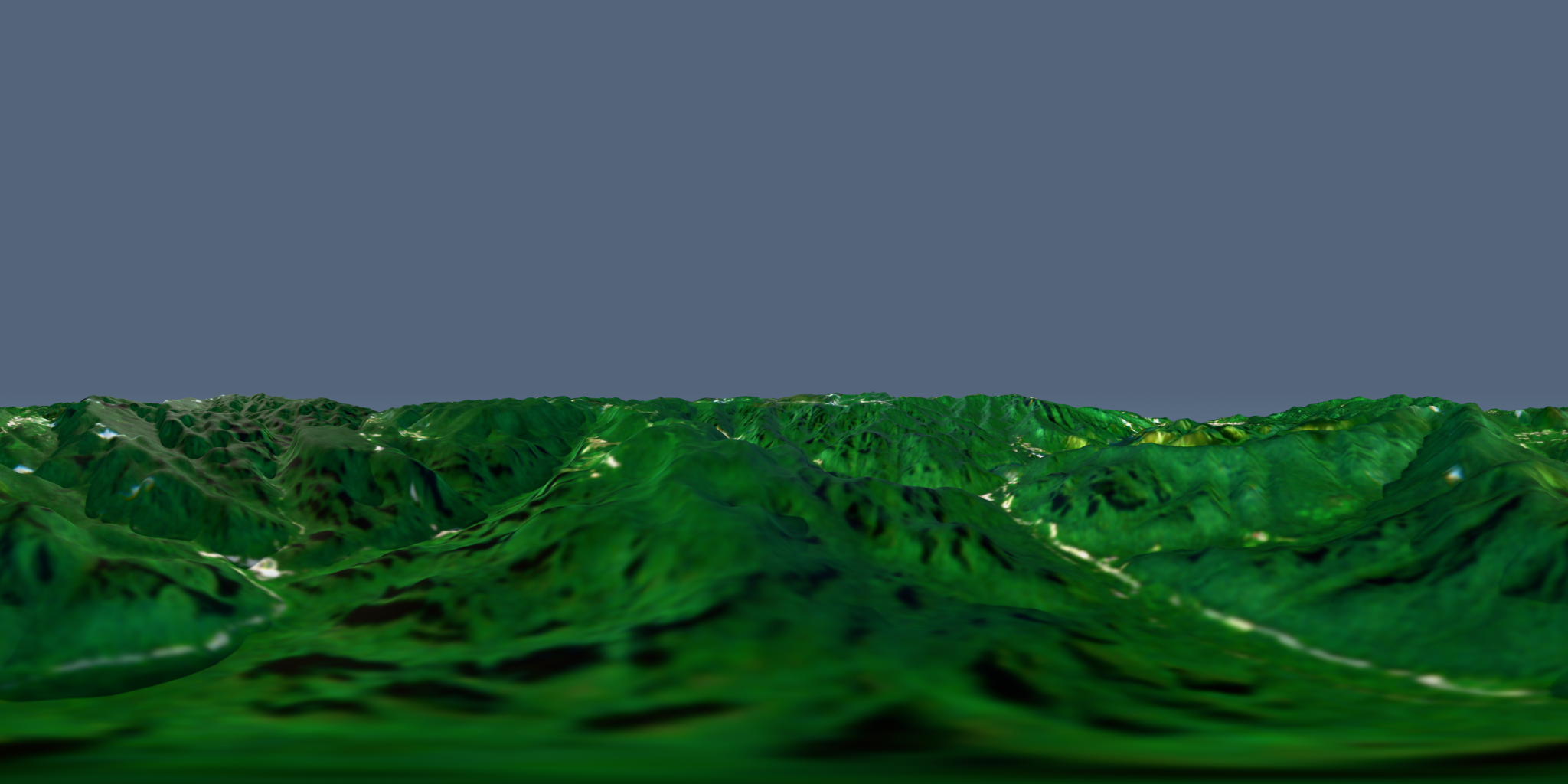
Every image below is the shipped Zhangjiajie demo: 15 km of karst peak forest, 30 m Copernicus elevation, 10 m Sentinel-2 true color. Click to inspect.
Stream Copernicus DEM + Sentinel-2 true-color satellite imagery for any bounding box,
then build a textured heightfield slab with a packed .blend, a Draco-compressed
.glb for Godot / Unity / three.js, and cinematic Cycles renders.
No proprietary basemap licences. No manual GIS wrangling.
Every image below is the shipped Zhangjiajie demo: 15 km of karst peak forest, 30 m Copernicus elevation, 10 m Sentinel-2 true color. Click to inspect.
A production pipeline, not a snippet: caching, retries, void-filling, cloud filtering, provenance metadata, and docs for every failure mode observed in real runs.
Bbox or center+size CLI. Auto UTM zone, multi-tile DEM merge, COG range-reads (a 15 km box costs a few MB), Sentinel-2 cloud filtering + multi-temporal compositing, percentile stretch, caches, hillshade preview, full credits in meta.json.
Headless Blender: heightfield slab with rock sides and closed bottom, sRGB satellite material, auto-scaled cameras/suns/mist, packed .blend, LOD decimation + Draco .glb, hero/top renders, --preview look-dev pass.
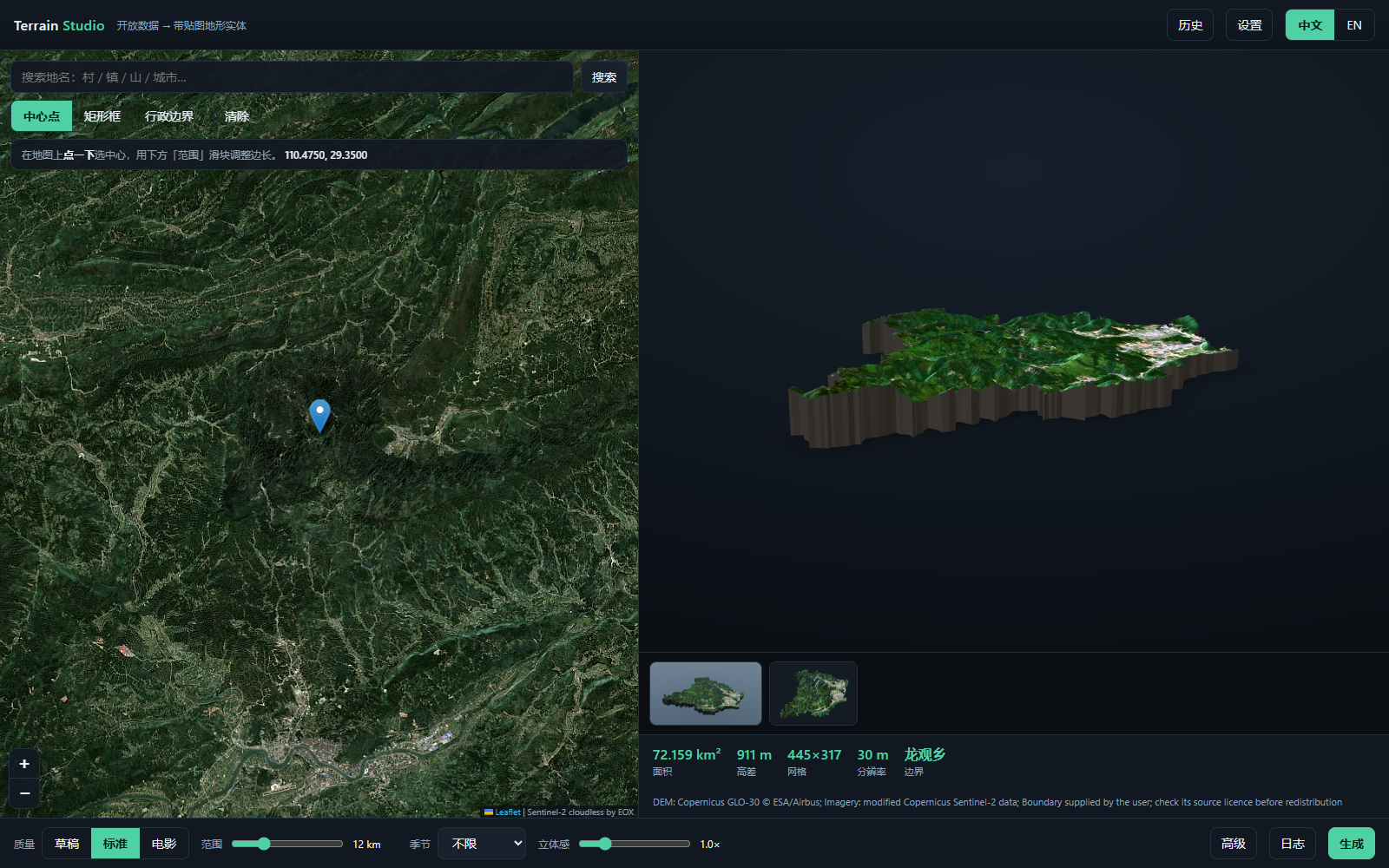
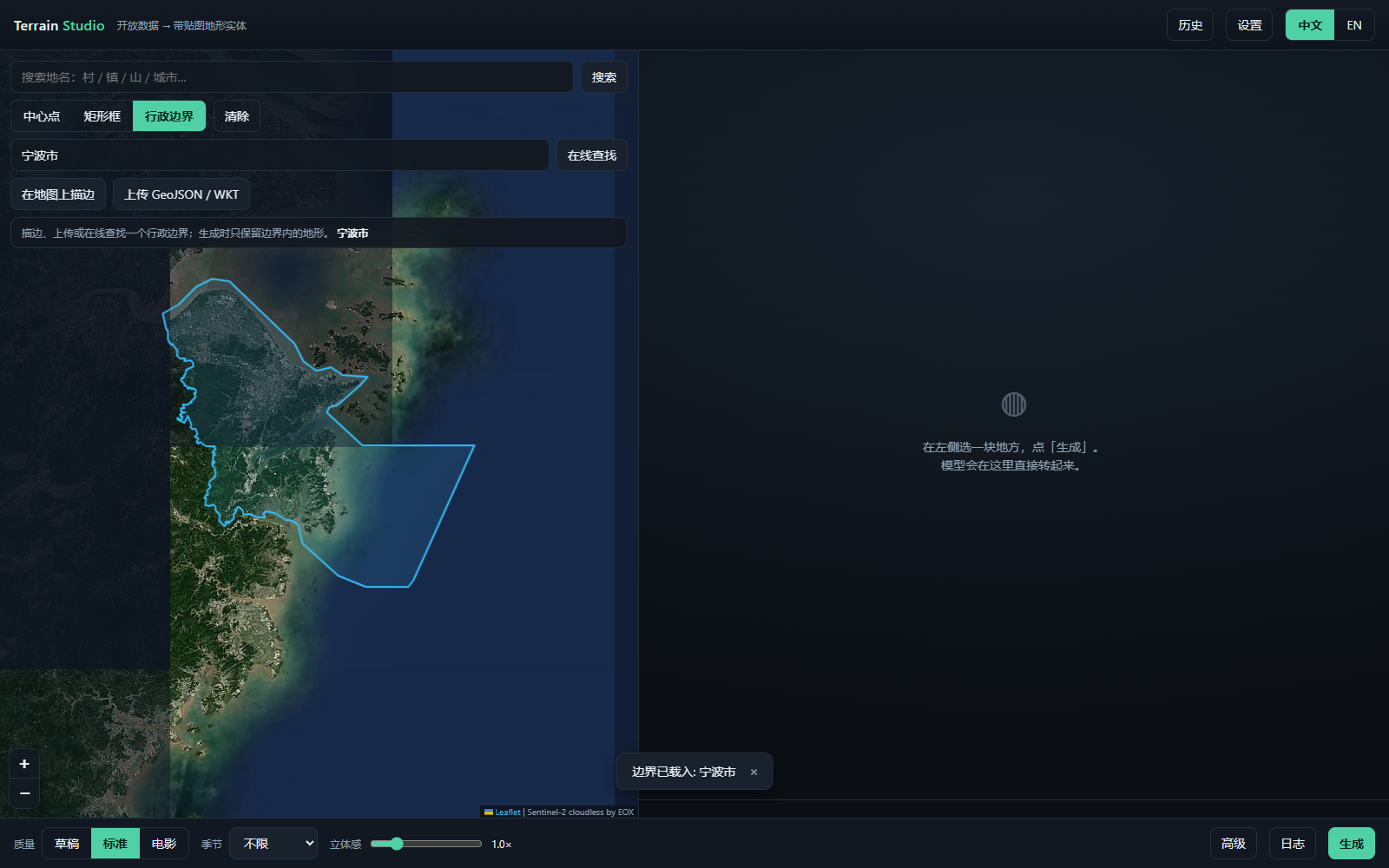
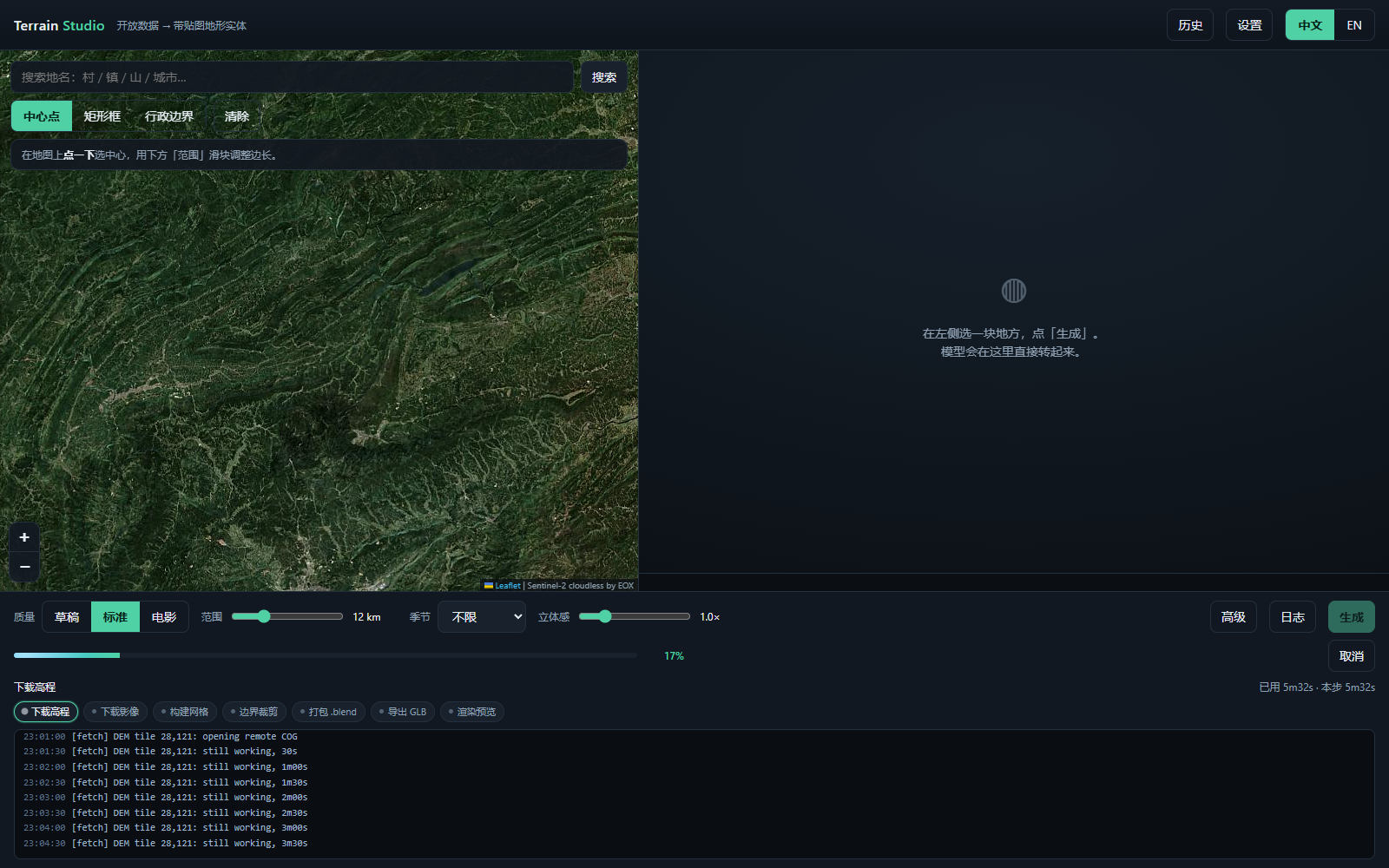
Local web UI, no extra installs: pick a place on a Sentinel-2 cloudless map (search / center / rectangle / administrative boundary — look it up online, draw it, or upload GeoJSON), one-click generate with live stage-by-stage progress — step chips, elapsed timers, a per-scene download counter and a heartbeat log, so a slow download never looks like a hang — plus cancel at any time, in-page 3D GLB preview with thumbnails and stats, bilingual 中文/EN interface, and job history that survives both restarts and page reloads. Every advanced control carries a ? note that says what it changes and what it costs, and when the area you just picked is already on disk the studio says so before you press Generate — Re-run reusing data then rebuilds a tweaked knob in ~20 s with zero re-downloading.
Quickstart, data/licence guide, parameter + performance tables, troubleshooting (Blender 5.2 headless pitfalls included), and a worked Zhangjiajie example with editable scene and web-ready GLB. Full Chinese translations included.
Install deps once, then point it at coordinates. Caches make iteration cheap. Or skip the terminal entirely and run the Studio UI.
# 1 · stream open data for your box
py -3.12 tools/fetch_data.py --bbox 110.40,29.28,110.55,29.42 --out demo --name zhangjiajie
# 2 · build scene + Draco GLB + renders
blender -b --python tools/build_terrain.py -- --data demo --out demo
# 0 · or just open the visual studio (map + one click)
py -3.12 ui/server.py| OUTPUT | USE |
|---|---|
<name>.blend | Editable scene, textures packed — relight, recut, re-render |
<name>.glb | Draco + LOD + JPEG texture — drop into Godot / Unity / three.js |
hero.png / top.png | Portfolio & store-page renders, Cycles + denoise |
meta.json | bbox / CRS / resolution / elevation stats / licence credits |
terrain.npz / imagery.png | Reusable intermediates — rebuild without re-downloading |
boundary.geojson / boundary.json | Optional administrative-boundary clip — keep only terrain inside the polygon (CLI --boundary or Studio) |
Code is MIT. Geodata is Copernicus-open: commercial use allowed with the attribution string included in every export. Buy once — FULL includes 1.x updates, PRO adds the 2.x majors.
Yes. Code is MIT; Copernicus DEM and Sentinel-2 allow commercial use with attribution.
The required credit string ships in meta.json and is embedded in every .blend/.glb export.
Godot 4 and Unity import Draco GLB natively in recent versions; three.js needs a DRACOLoader decoder path.
A --no-draco fallback export is included for older viewers.
The tool composites up to three dates per pixel, so clouds in one scene are filled from another;
residual gaps are inpainted. Raise --max-cloud or pick a dry-season window with --datetime.
The data guide covers manual/QGIS alternatives for offline or restricted networks.
COG range-reads fetch only your bbox — a few MB for 15 km. The build itself is cheap: a 500×500 grid meshes in seconds and a 1080p Cycles render takes a few minutes on CPU. Wall-clock is dominated by the Sentinel-2 download, which scales with your connection: measured on a throttled link, a 72 km² township at Cinema quality is 1 h 10 m (87 % of it imagery), about 40 min at Standard and 20 min at Draft. The docs' performance table has the full breakdown.
No. Fully headless (blender -b), CPU Cycles with denoising. Tested on Blender 5.2 LTS; works on 4.5+.
Online lookup queries OpenStreetMap (Overpass mirrors + Nominatim); the Studio auto-detects your system proxy and uses it when present. If that network path is blocked, the feature degrades gracefully: draw the boundary on the map or upload a GeoJSON / WKT file instead — clipping works fully offline.
Each job gets ui/jobs/<id>/: out/ holds the deliverables (.blend, .glb, hero/top renders),
data/ the fetched DEM / imagery / boundary. The History panel re-reads that folder on startup, so past jobs survive restarts.
Usually it is downloading. Sentinel-2 scenes are range-read from remote COGs, so that stage is bounded by your connection, not the pipeline.
The Studio keeps proving it is alive: the log prints still working, 3m00s every 15–30 s, the imagery stage shows which scene (1/3) is loading, and every DEM tile and render reports its own elapsed time.
An amber banner only appears if nothing at all arrives for 100 s. Reloading the page — or restarting the Studio — re-attaches to the running job and replays its log.
Two separate knobs. The texture itself uses a pooled percentile stretch with a Reinhard highlight shoulder, so sunlit roofs keep their detail instead of clipping to white
(--stretch-percent 99.5, --stretch-knee 0.75; in our demo valley the town went from 9.75 % clipped pixels to 0 %). Renders use Khronos PBR Neutral at +0.6 EV with a 3.2 sun
(--view-transform, --exposure, --sun-energy) — AgX was desaturating those same highlights to grey. Both live in the Studio's advanced drawer, and
fetch_data.py --restretch re-runs the tone curve from the cached scenes in seconds, with no downloads.
No — and you don't have to remember to ask. Re-pick an area you already ran and a strip appears above the progress bar: this area was fetched before, N scenes cached, that run took 5h10m, with a Re-run reusing data button (the same button sits on History rows and under a finished job). It copies that job's DEM and scene caches into a new job — the History entry also loads its parameters — and skips the download stage: on our demo box that is 30.8 MB reused, 0 bytes fetched, 20 seconds at Draft quality. Changing only the tone-curve or lighting knobs takes that fast path automatically; if you change the extent, the grid step or the boundary, the chip in the toolbar and the job log both say that part still has to be fetched — no silent re-downloading.
